 Appointify AI
Appointify AI › Blog › How to Route Qualified Leads From a Chatbot to Salesforce, HubSpot, or Pipedrive
← All articlesHow to Route Qualified Leads From a Chatbot to Salesforce, HubSpot, or Pipedrive
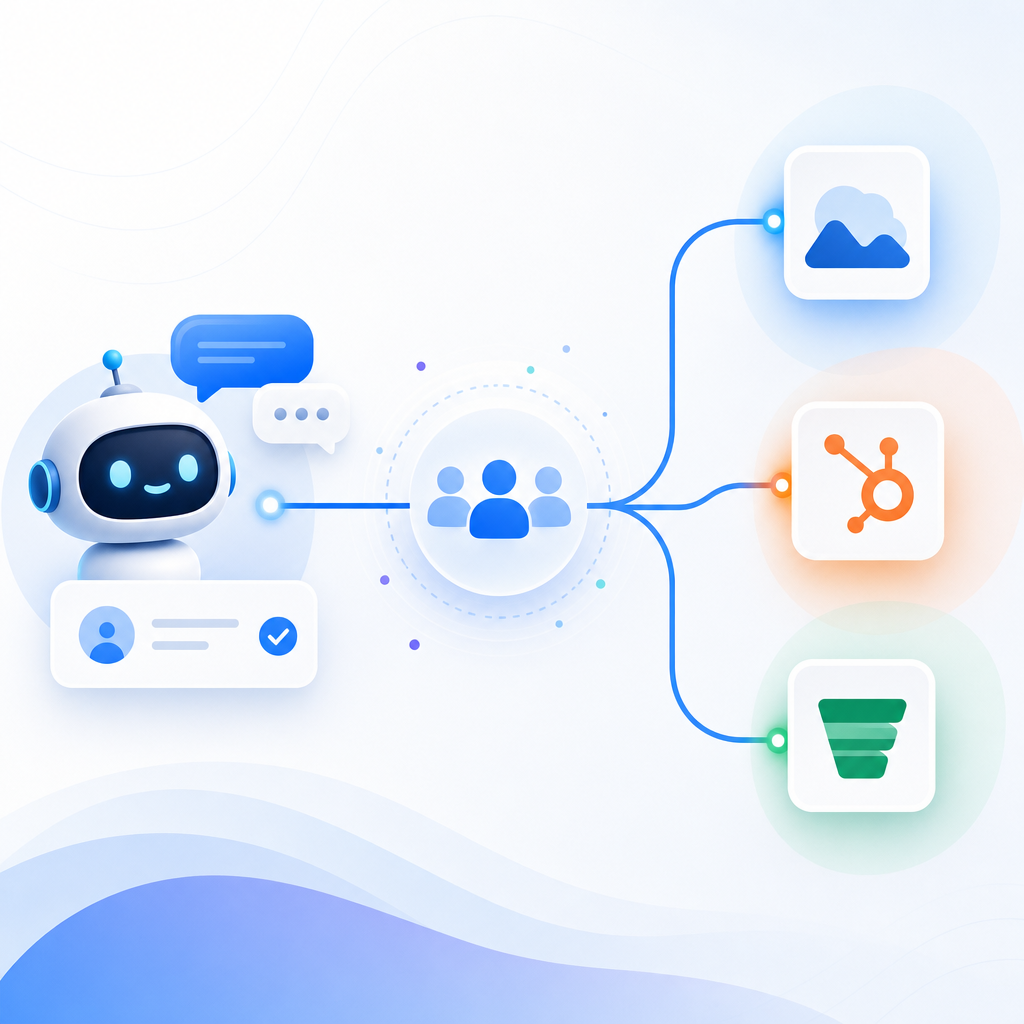
Qualified chatbot leads are usually routed to Salesforce, HubSpot, or Pipedrive through one of four paths: native CRM integrations, direct API connections, webhooks, or no-code automation tools like Zapier. The practical goal is simple: create or update the CRM record, attach qualification data, and log the booking or conversation outcome automatically.
For a voice-first product like Appointify AI, the best setup is the one that sends structured lead data into the CRM as soon as a prospect meets your qualification rules. That keeps sales follow-up fast, reduces manual entry, and preserves the full conversation context for the next human step.
How can I send qualified chatbot leads into Salesforce, HubSpot, or Pipedrive?
You can send qualified chatbot leads into Salesforce, HubSpot, or Pipedrive by mapping lead fields in your chatbot, defining a qualification event, and then passing that event to the CRM through a native integration, API, webhook, or Zapier-style connector. The CRM should receive both the person record and the conversation outcome.
In practice, most teams route more than just a name and email. They also send:
- qualification status
- lead score
- phone number
- company name
- meeting request details
- transcript or summary
- call outcome
- booked appointment details
- source attribution
This general pattern is widely reflected in current chatbot and voice-agent integration guidance. ConvoCore describes CRM-connected chat systems that push qualified leads, transcripts, scores, and booking details directly into CRMs through native integrations or webhook/Zapier flows. HiBell AI similarly describes syncing qualified leads, call outcomes, and booked appointments into Salesforce, HubSpot, and Pipedrive.
What is the simplest integration pattern for CRM lead routing?
The simplest pattern is event-based routing. When the chatbot marks a conversation as qualified, it triggers an action that creates or updates the lead in the CRM immediately.
A common event name is something like lead.qualified. Help Genie documents a webhook-based approach where the lead.qualified trigger pushes conversation data to systems including Salesforce, HubSpot, and Pipedrive in real time. That model is easy to understand because it breaks the flow into three parts:
1. The chatbot collects and qualifies the lead.
2. A qualification event fires.
3. The CRM receives the payload and creates or updates the record.
This is often the fastest route to launch because it avoids forcing the CRM to manage the conversation itself. The chatbot does the qualification work first. The CRM receives the outcome in a clean, structured format.
What data should I send to the CRM when a lead is qualified?
Send only the fields your sales team will actually use immediately, plus enough context to avoid re-asking the same questions. A good payload usually includes identity, qualification, source, transcript, and booking data.
A practical field set includes:
- First name and last name
- Phone
- Company
- Job title
- Product or service interest
- Qualification status
- Lead score or fit rating
- Budget, timeline, or urgency if collected
- Conversation summary
- Full transcript or transcript link
- Meeting booked: yes or no
- Meeting date and time if booked
- Lead source such as website voice widget
- Owner, queue, or round-robin destination
If you are using a voice AI chatbot for websites, call-specific fields matter too. For example, call outcome, missed call recovery status, or whether the lead requested a callback can be useful in both sales and support handoffs.
Should the chatbot read from the CRM before it writes back to the CRM?
Yes, often it should. The strongest voice-agent setups use a two-layer model: read CRM context in real time during the conversation, then write back the new lead data and outcomes after the call ends.
Newoaks describes this pattern clearly. The voice agent first reads CRM context through an API. After the call, it writes back lead data, notes, transcripts, and outcomes through webhooks. This is useful when the caller may already exist in your CRM or when the bot needs account context before asking questions.
Examples of when CRM read access helps:
- avoid creating duplicate contacts
- personalize the conversation for returning leads
- identify assigned owner or territory
- check whether a meeting already exists
- adapt questions based on lifecycle stage
Examples of when CRM write-back helps:
- create a new lead or contact
- log notes and transcript
- update lifecycle stage
- create a follow-up task
- attach the booked meeting outcome
How do I route qualified leads specifically into Salesforce?
For Salesforce, route the qualified lead into a Lead, Contact, or custom object depending on your sales process. Then log the transcript, qualification notes, and appointment details as related activity or custom fields.
Salesforce usually benefits from structured mapping and strict field rules. Before connecting your chatbot, decide:
- whether new prospects should become Leads or Contacts
- which qualification fields are required
- whether the chatbot should assign an owner
- whether follow-up tasks should be created automatically
- where transcripts should live
HiBell AI notes Salesforce sync use cases such as qualified leads, call outcomes, and booked appointments. That maps well to voice-led qualification workflows. A website caller can be qualified by the bot, booked instantly, then pushed into Salesforce with the conversation result and next step already attached.
How do I route qualified leads specifically into HubSpot?
For HubSpot, route the lead into a contact record and update associated properties, notes, and workflows. HubSpot works well when you want qualification to trigger automation like lifecycle changes, internal notifications, and nurture sequences.
HubSpot teams often use chatbot routing to:
- create or update contacts
- set lifecycle stage
- populate custom qualification properties
- trigger internal alerts for sales reps
- enroll the lead in a workflow
- attach notes, summaries, or transcripts
HiBell AI describes HubSpot use cases including contact updates and workflow triggers. That is especially relevant when your AI meeting scheduler for websites is doing more than booking. If the bot qualifies a lead before scheduling, HubSpot can immediately branch the prospect into the right sales or marketing process.
How do I route qualified leads specifically into Pipedrive?
For Pipedrive, route the qualified lead into the lead inbox, a person record, or a deal pipeline stage depending on how your team sells. The key is to push both the contact details and the qualification outcome so reps can act without reopening the conversation.
Pipedrive users often want straightforward, action-oriented automation:
- create or update person and organization records
- add a lead or deal
- move the deal to the correct stage
- attach notes from the conversation
- assign the owner
- schedule the next activity or appointment
HiBell AI specifically mentions automatic stage and note updates in Pipedrive. That is a good fit for voice-led inbound qualification, because the system can pass the lead into the exact stage where a rep should take over.
Should I use a native integration, webhook, API, or Zapier?
Use a native integration if it supports all the fields and actions you need. Use a webhook or API if you need more control. Use Zapier or another no-code connector if you want faster deployment with less engineering.
A simple way to choose:
- Native integration: best for speed and lower maintenance
- Webhook: best for event-based routing and flexible payloads
- Direct API: best for custom logic, deduplication, and complex workflows
- Zapier or no-code connector: best for fast launch and small teams
ConvoCore highlights native integrations plus webhook/Zapier routing as common patterns. That aligns with how most teams scale. They start with no-code or a webhook, then move to a deeper API integration once they want tighter CRM logic.
How can I avoid duplicate records and bad lead data?
Avoid duplicates by checking the CRM before creating a new record and by using stable identifiers such as email and phone. Also validate required fields before the qualification event fires.
Good safeguards include:
- search CRM by email first
- search CRM by phone second
- normalize phone numbers
- require explicit field mapping
- define one source of truth for ownership
- log conversation IDs for traceability
- store transcript separately if CRM field limits are tight
The two-layer read-then-write model from Newoaks is useful here because it supports pre-call lookup and post-call update, reducing the chance of duplicate lead creation.
What business impact should I expect from CRM-integrated chatbot routing?
The main gains are faster follow-up, less manual entry, and better continuity between the bot and the sales team. The exact result depends on your routing design and lead volume.
One published example comes from ConvoCore, which reports that users save 5 to 10 hours per week on data entry and follow up with leads 3 times faster when using a CRM-integrated chatbot. Those figures are vendor-reported, but the direction is credible: when qualification, logging, and booking happen automatically, reps spend less time copying notes and more time closing.
For Appointify AI, this matters most when inbound leads expect immediate action. A voice-first bot can qualify the caller, capture intent, and book the meeting in one flow. Routing that result into Salesforce, HubSpot, or Pipedrive closes the handoff gap that often causes lead decay.
FAQ
Can a voice chatbot book a meeting and still send the lead to my CRM?
Yes. A voice chatbot can qualify the prospect, book the meeting, and then push the lead record, qualification details, and appointment information into your CRM in the same workflow. The most effective setups log both the booking outcome and the conversation context so reps do not lose important details.
Do I need a custom API integration, or is a webhook enough?
A webhook is often enough if your goal is to create or update leads when a qualification event happens. A custom API integration is better when you need CRM lookups before the conversation, stricter deduplication, advanced field logic, or more complex routing across teams and pipelines.
What should count as a qualified lead before sending to Salesforce or HubSpot?
A qualified lead should meet the criteria your sales team already uses, such as fit, intent, location, budget, or readiness to book. The chatbot should not invent a new definition. It should apply your existing rules consistently and send the CRM both the qualification result and the evidence collected.
Can I route transcripts and call summaries into Pipedrive too?
Yes. Pipedrive workflows can include conversation notes, summaries, and stage updates alongside core lead data. The best practice is to store a short summary in visible fields or notes, then attach the full transcript or transcript link if your team needs deeper review.
How fast should lead routing happen after the chatbot qualifies someone?
Lead routing should happen immediately after qualification or as soon as the call ends. Real-time or near-real-time sync is best because it preserves momentum for sales follow-up, especially when the lead just booked a meeting or requested a callback from your team.
FAQ
Can a voice chatbot book a meeting and still send the lead to my CRM?
Yes. A voice chatbot can qualify the prospect, book the meeting, and then push the lead record, qualification details, and appointment information into your CRM in the same workflow. The most effective setups log both the booking outcome and the conversation context so reps do not lose important details.
Do I need a custom API integration, or is a webhook enough?
A webhook is often enough if your goal is to create or update leads when a qualification event happens. A custom API integration is better when you need CRM lookups before the conversation, stricter deduplication, advanced field logic, or more complex routing across teams and pipelines.
What should count as a qualified lead before sending to Salesforce or HubSpot?
A qualified lead should meet the criteria your sales team already uses, such as fit, intent, location, budget, or readiness to book. The chatbot should not invent a new definition. It should apply your existing rules consistently and send the CRM both the qualification result and the evidence collected.
Can I route transcripts and call summaries into Pipedrive too?
Yes. Pipedrive workflows can include conversation notes, summaries, and stage updates alongside core lead data. The best practice is to store a short summary in visible fields or notes, then attach the full transcript or transcript link if your team needs deeper review.
How fast should lead routing happen after the chatbot qualifies someone?
Lead routing should happen immediately after qualification or as soon as the call ends. Real-time or near-real-time sync is best because it preserves momentum for sales follow-up, especially when the lead just booked a meeting or requested a callback from your team.