 Appointify AI
Appointify AI › Blog › What setup is required to use Twilio phone numbers with the AI agent?
← All articlesWhat setup is required to use Twilio phone numbers with the AI agent?
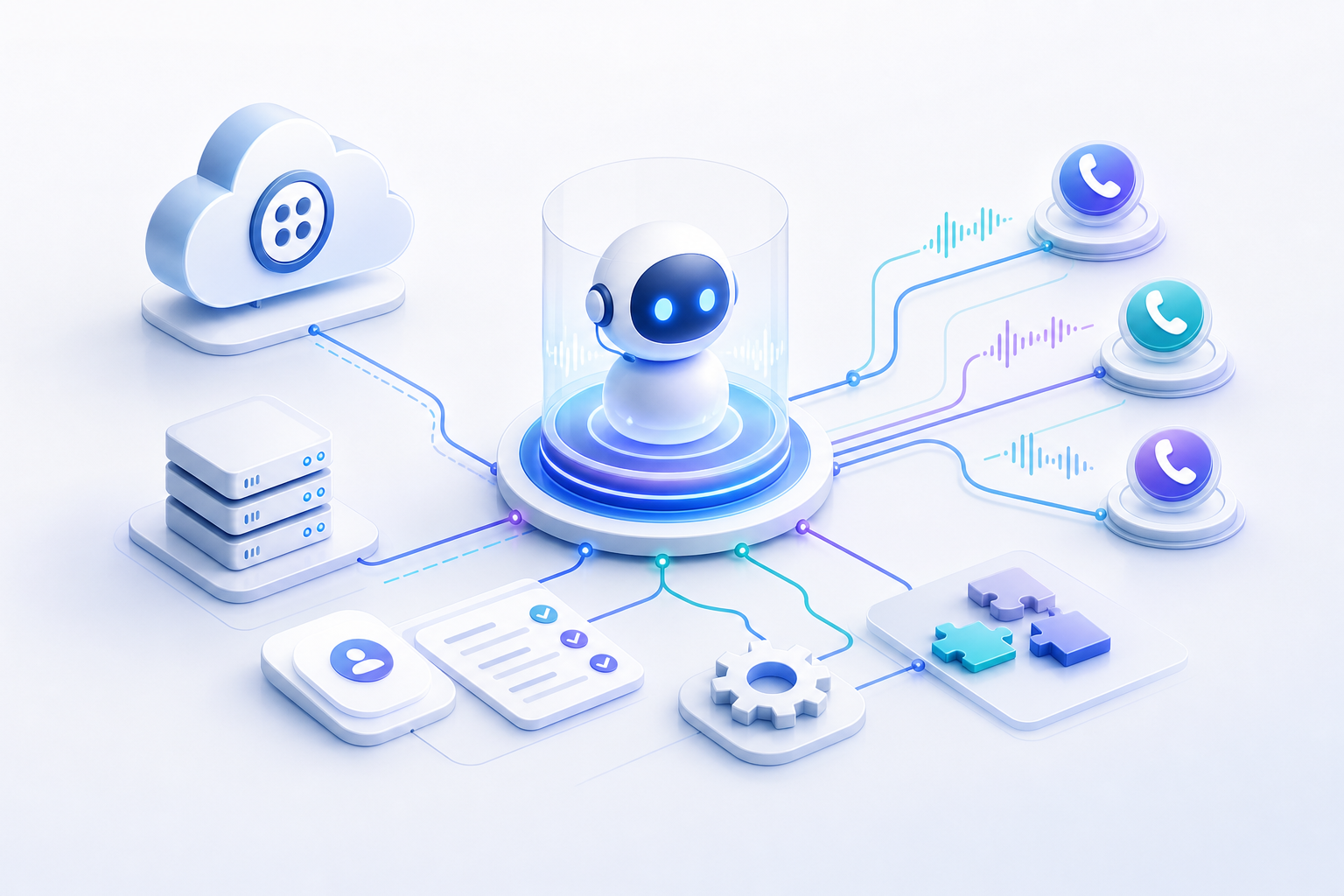
Using a Twilio phone number with an AI agent usually requires five things: a Twilio account, API credentials, a voice-capable phone number, webhook routing for inbound calls, and assignment of that number to the agent. In most platforms, you then test call handling, fallback behavior, and business-hours routing before going live.
What setup is required to use Twilio phone numbers with the AI agent?
At minimum, you need a Twilio account, credentials to connect it, and a phone number that can send inbound voice calls to the AI agent. Most platforms also require webhook configuration and an explicit assignment step so the number routes to the right agent.
Across comparable voice-AI platforms, the setup pattern is consistent. You connect Twilio using an Account SID and Auth Token, then either import an existing Twilio number or buy a new one through the connected account. Some systems also ask for the Phone Number SID and the phone number itself in E.164 format such as +14155552671 so the platform can identify and manage the number correctly. These requirements are documented in examples from Appmint and VoiceMetrics.
For Appointify AI, that means the practical checklist is simple: be ready with your Twilio account details, confirm that the number supports voice, connect the number to the AI workflow, and verify that calls reach the correct booking or lead-qualification agent.
Which Twilio credentials do you usually need?
Most integrations require the Account SID and Auth Token. Some also require the Phone Number SID and the full phone number in E.164 format.
The Account SID identifies your Twilio account. The Auth Token authorizes API actions such as reading numbers, updating configuration, or routing voice traffic. Appmint shows this standard pattern clearly: the platform connects to Twilio by collecting accountSid and authToken.
If the platform supports importing existing numbers, it may additionally ask for the Phone Number SID, which typically begins with PN, plus the number itself in E.164 format. VoiceMetrics documents both of those fields as part of phone number setup.
In practice, gather these before setup:
- Twilio Account SID
- Twilio Auth Token
- Your Twilio phone number in E.164 format
- The number's Phone Number SID if the platform asks for it
Do you need to buy a new Twilio number, or can you import an existing one?
Usually, you can do either. Many AI voice platforms let you import an existing Twilio number or purchase a new one after the Twilio account is connected.
This flexibility matters if your business already advertises a number and wants the AI agent to answer that line. It also helps if you want a fresh number dedicated to a new campaign, location, or website widget. VoiceMetrics describes both importing numbers and purchasing them through the integrated workflow.
If you use Appointify AI as a voice-first conversational AI chatbot for websites, the decision usually comes down to workflow:
- Use an existing number if brand continuity matters.
- Buy a new number if you want separate routing, tracking, or campaign ownership.
How do inbound calls reach the AI agent?
Inbound calls usually reach the AI agent through Twilio webhook routing. The Twilio number's Voice URL points to the platform endpoint that handles the call and returns the call instructions.
This is one of the most important setup steps. Twilio needs to know where to send call events when someone dials your number. Comparable platforms often configure this automatically after the account is connected, or they provide a designated endpoint to paste into the number settings. Appmint notes that integrations may set webhooks using a TwiML application, appSid, and voice URL endpoints.
Some setups also use a StatusCallback for call-event tracking. That is not always required for basic operation, but it can be useful for logging, analytics, or troubleshooting.
The key point is simple: if the Voice URL is not configured correctly, the AI agent will not receive the call.
Do you need to assign the Twilio number to a specific AI agent?
Yes. In most platforms, connecting Twilio is not enough by itself. You still need to assign the phone number to a specific AI agent or routing profile.
This assignment tells the platform which agent should answer, qualify the caller, and book the meeting. VoiceMetrics describes assigning phone numbers in a settings area after import or purchase. HighLevel's help article also shows that voice AI systems commonly support assigning either a single number or a number pool.
That matters operationally because a business may run several agent experiences, such as:
- Lead qualification for sales
- Appointment booking for demos
- After-hours call answering
- Location-specific routing
For an AI meeting scheduler for websites or a 24/7 voice chatbot for lead qualification, explicit assignment prevents the wrong script, calendar, or handoff path from answering the call.
Can one AI agent use a single number, or do you need a number pool?
A single number is often enough, but some platforms also support number pools. A pool gives you more routing flexibility when multiple agents, campaigns, or workflows share call traffic.
HighLevel's documentation distinguishes between assigning an individual number and assigning a number pool. That distinction is useful in larger deployments.
Use a single number when:
- One agent handles all inbound calls
- One brand or location owns the line
- Simplicity matters most
Use a number pool when:
- Several campaigns need shared coverage
- Multiple agents need controlled routing
- You want operational flexibility across teams or locations
What other call settings should you configure before going live?
You should configure working hours, fallback behavior, and call-routing rules before launch. These settings determine what happens when the AI agent is unavailable, when the business is closed, or when a call needs escalation.
Comparable platforms often include these controls in a "Phone & Availability" or similar area. VoiceMetrics references assigning numbers alongside settings for routing and availability. HighLevel also highlights testing behavior during and outside working hours.
Typical items to review:
- Business hours
- After-hours behavior
- Backup destination or fallback handling
- Agent-specific routing
- Handoff rules for missed or unsupported scenarios
These settings are especially important for conversational AI lead capture and AI appointment booking, because poor fallback behavior can cost real leads.
How should you test the Twilio setup with the AI agent?
Always test both normal and edge-case call flows. Call the number during business hours, outside business hours, and in any fallback scenario you configured.
Testing is not optional. A number may appear connected while still routing incorrectly, using the wrong webhook, or reaching the wrong agent. HighLevel's setup guidance specifically recommends testing the number during and outside configured working hours.
A practical test checklist:
1. Call the number during open hours.
2. Confirm the AI agent answers.
3. Verify the correct greeting and workflow run.
4. Test lead capture or meeting booking.
5. Call outside working hours.
6. Confirm fallback or after-hours behavior works.
7. If applicable, test transfer or backup routing.
For a chatbot with calendar integration, also verify that booked meetings actually land in the connected calendar and that qualification data is stored where your team expects it.
Does Appointify AI require anything beyond the standard Twilio pattern?
Publicly available material in this brief does not document Appointify AI-specific Twilio setup steps. The safest conclusion is that Appointify AI likely follows the same common setup pattern used across similar voice-AI platforms: connect Twilio, attach a voice number, route inbound calls, assign the number to an agent, and test.
Because this article avoids guessing, it does not claim product-specific fields or screens on Appointify AI that are not documented in the provided sources. If you are implementing a web call widget AI agent, white label voice chatbot, or AI chatbot Twilio integration inside Appointify AI, prepare the standard Twilio items first. That minimizes friction regardless of the exact UI flow.
FAQ
Can I use my existing Twilio number with the AI agent?
Yes, in many voice-AI platforms you can use an existing Twilio number instead of buying a new one. The usual requirement is that the number be voice-capable, connected through your Twilio account, and assigned to the correct AI agent with the proper webhook routing in place.
What exact Twilio details should I have ready before setup?
Have your Twilio Account SID, Auth Token, and the phone number ready before setup. Many platforms also ask for the phone number in E.164 format and, in some cases, the Phone Number SID so the system can import, identify, and configure the number correctly.
Why isn't connecting Twilio enough by itself?
Connecting Twilio only gives the platform access to your account and numbers. You still need webhook routing and an assignment step so inbound calls reach the correct AI agent, follow the right script, and respect business hours, fallback, or escalation rules.
Do I need to configure webhooks myself?
Often, the platform can configure webhooks for you, but not always. The core requirement is that the Twilio phone number's Voice URL points to the platform endpoint that handles inbound calls, otherwise the AI agent will not receive or process calls correctly.
What should I test before sending live traffic to the number?
Test the full call flow before launch. Confirm that the AI agent answers during working hours, that after-hours or fallback behavior works as expected, and that lead capture or appointment booking completes correctly from the caller's perspective.
References
- https://support.captivationhub.com/hc/en-us/articles/38990916302491-Twilio-Numbers-Support
FAQ
Can I use my existing Twilio number with the AI agent?
Yes, in many voice-AI platforms you can use an existing Twilio number instead of buying a new one. The usual requirement is that the number be voice-capable, connected through your Twilio account, and assigned to the correct AI agent with the proper webhook routing in place.
What exact Twilio details should I have ready before setup?
Have your Twilio Account SID, Auth Token, and the phone number ready before setup. Many platforms also ask for the phone number in E.164 format and, in some cases, the Phone Number SID so the system can import, identify, and configure the number correctly.
Why isn't connecting Twilio enough by itself?
Connecting Twilio only gives the platform access to your account and numbers. You still need webhook routing and an assignment step so inbound calls reach the correct AI agent, follow the right script, and respect business hours, fallback, or escalation rules.
Do I need to configure webhooks myself?
Often, the platform can configure webhooks for you, but not always. The core requirement is that the Twilio phone number's Voice URL points to the platform endpoint that handles inbound calls, otherwise the AI agent will not receive or process calls correctly.
What should I test before sending live traffic to the number?
Test the full call flow before launch. Confirm that the AI agent answers during working hours, that after-hours or fallback behavior works as expected, and that lead capture or appointment booking completes correctly from the caller's perspective.