 Appointify AI
Appointify AI › Blog › AI Appointment Booking Agent: How Appointify AI Automates Lead Capture and Meeting Scheduling
← All articlesAI Appointment Booking Agent: How Appointify AI Automates Lead Capture and Meeting Scheduling
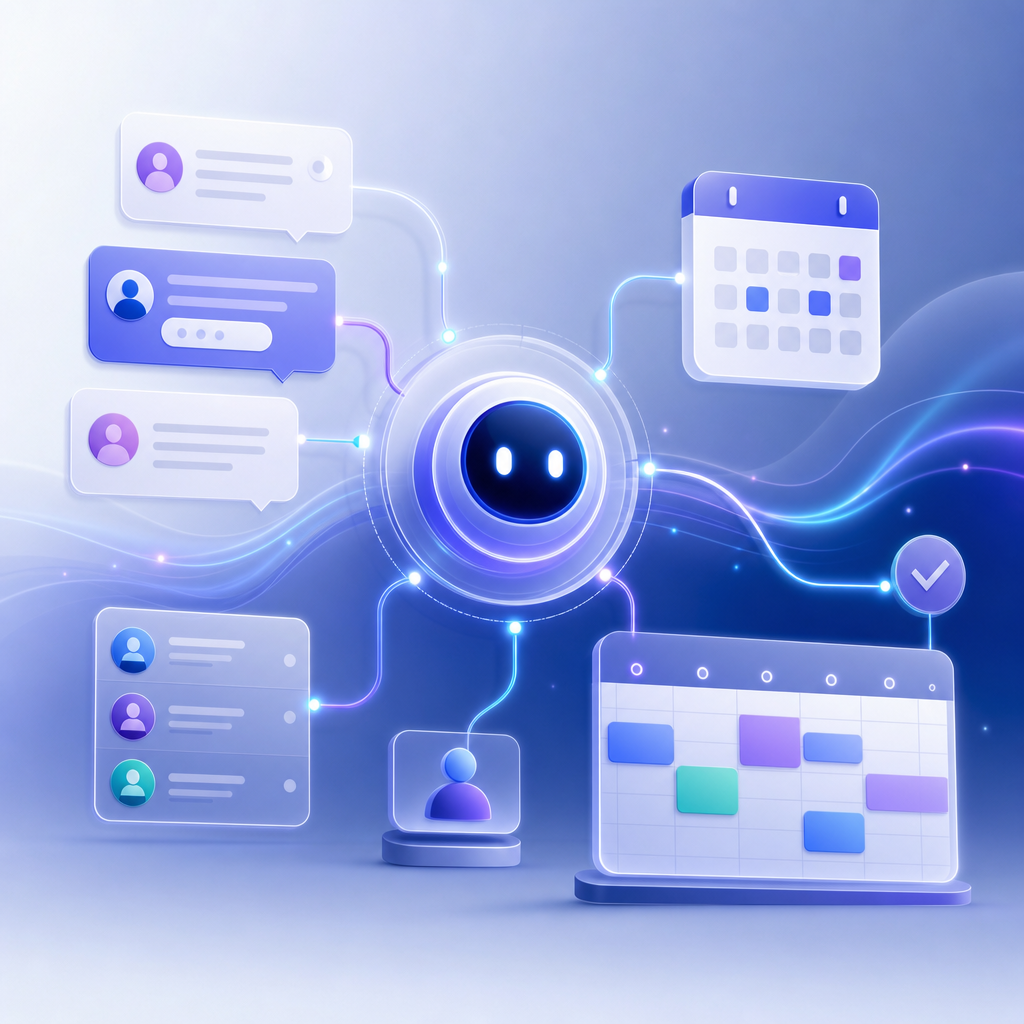
An AI appointment booking agent answers leads instantly, qualifies them, and books meetings directly into your calendar without waiting for a human rep. The best systems do more than chat: they verify intent, route by territory or service type, sync with CRM records, and reduce the drop-off that happens between “I’m interested” and “let’s talk.”
What an AI Appointment Booking Agent Actually Does
An AI appointment booking agent is a conversational workflow that handles the first scheduling interaction end to end. In practical terms, it typically:
1. Greets a visitor on your site, ad landing page, or inbound call
2. Asks qualifying questions
3. Collects contact details
4. Checks a connected calendar for availability
5. Offers time slots
6. Books the meeting
7. Sends confirmations and reminders
8. Pushes the lead into a CRM or sales workflow
That sounds simple, but the difference between a basic chatbot and a true booking agent is execution. A generic bot may collect “name, email, message.” A real AI booking agent can ask questions like:
- “Are you looking for a demo, support, or pricing?”
- “How many locations do you operate?”
- “Do you need a same-day consultation?”
- “What state are you located in?”
Then it can route the lead appropriately before presenting bookable times.
Appointify AI positions itself in this category with a voice-first approach focused on lead capture and meeting scheduling at appointify.ai. For buyers, the core question is not whether a tool uses AI, but whether it can reliably turn inbound intent into a confirmed calendar event.
Why Businesses Are Replacing Forms With AI Scheduling Agents
The business case is straightforward: speed matters. Research from Harvard Business Review found that firms contacting web leads within an hour were nearly seven times as likely to qualify the lead as those that waited even an hour longer, and more than 60 times as likely as companies that waited 24 hours or more. If your team only responds during business hours, a large share of after-hours demand goes cold.
That is where an AI booking agent earns its keep. Instead of asking a prospect to submit a form and wait, it can engage immediately.
Example: The form-based workflow vs. AI booking workflow
Traditional form flow
- Visitor lands on pricing page at 8:45 p.m.
- Fills out contact form
- Sales team sees it next morning
- Rep emails two proposed times
- Prospect replies hours later
- Meeting gets booked 1-2 days after original intent
AI booking flow
- Visitor lands on pricing page at 8:45 p.m.
- AI agent asks 3-5 qualification questions instantly
- Calendar availability is checked in real time
- Prospect books for the next day in under 3 minutes
- Confirmation and reminders are sent automatically
The gain is not just convenience. It removes friction at the exact moment a buyer is most likely to convert.
Where AI Appointment Booking Agents Create the Most Value
Not every business needs the same booking logic. The highest-value use cases usually involve high-intent inquiries, uneven staff availability, or complicated routing.
Sales teams
For B2B sales, the agent can qualify by company size, budget, use case, or geography before offering a meeting. That helps account executives spend time on better-fit opportunities.
Example flow for SaaS demo booking:
- “How many employees are on your team?”
- “Which CRM do you use today?”
- “When are you hoping to implement?”
- If fit criteria are met, book with an AE
- If not, route to self-serve resources or a lower-touch sales motion
Local service businesses
Home services, legal, healthcare-adjacent providers, and agencies often need fast intake. Here the AI can collect issue type, location, urgency, and preferred time, then book a consultation.
Example flow for a law firm:
- Practice area needed
- State/jurisdiction
- Opposing party conflict check prompt
- Preferred consultation type: phone, video, in-person
- Route to the right attorney calendar
Clinics and wellness businesses
These teams need calendar precision and fewer no-shows. AI agents can present only valid appointment types and trigger reminders.
According to Calendly’s State of Meetings report, scheduling volume and digital meeting coordination have become a normal part of customer and internal workflows. That makes automation especially useful for teams managing high appointment volume.
The Difference Between a Chatbot and a True Booking Agent
A lot of products market themselves as “AI scheduling,” but their capabilities differ widely. Use this checklist to separate lightweight tools from production-ready agents.
Must-have capabilities
1. Real calendar sync
It should connect to Google Calendar or Microsoft Outlook/Office 365 and read live availability. Microsoft documents native scheduling and calendar workflows across Outlook and Microsoft 365, and any serious booking tool should work cleanly in that ecosystem.
2. Qualification logic
The agent should branch based on answers, not ask the same script to everyone.
3. Routing rules
Meetings should be assigned based on rep ownership, region, product line, language, or service category.
4. CRM integration
At minimum, the system should create or update records in tools like HubSpot or Salesforce. HubSpot’s meeting and chatbot tooling shows how scheduling can be tied directly to pipeline management in its product documentation.
5. Confirmation and reminder automation
A booked meeting is not enough. The system should send confirmations by email or SMS and reduce no-show risk.
6. Human handoff
For edge cases, the agent should escalate to a person or collect context for follow-up.
A Practical Evaluation Framework for Appointify AI or Any Alternative
If you are evaluating Appointify AI specifically, or comparing it with Calendly, Chili Piper, HubSpot, Drift, or custom voice agents, use the following framework.
1. Measure speed to booked meeting
Do not just ask whether the system captures leads. Ask:
- How many seconds until first response?
- How many steps until the calendar is shown?
- Can someone book in under 2 minutes?
A useful benchmark is to test your own current flow. Time it from landing page visit to confirmed meeting. Then compare with the AI workflow.
2. Audit qualification depth
A high-performing booking agent should collect enough context to improve sales efficiency without making the conversation feel like a long form.
A strong default is 3-5 qualification questions before scheduling. More than that can hurt completion rates unless the lead value is high.
3. Check calendar conflict handling
The tool should account for:
- Working hours
- Buffer times
- Round-robin assignment
- Time zones
- Appointment type durations
- Existing holds or conflicts
Google documents calendar sharing and availability behavior in Google Calendar Help. If your tool does not align with those settings, scheduling errors can follow.
4. Test routing edge cases
Ask for demos of these scenarios:
- Two reps cover one territory
- VIP leads go to senior reps only
- Existing customers should be routed to account management, not sales
- Unqualified leads should not get prime-time slots
5. Inspect reporting
If you cannot measure performance, you cannot improve it. At minimum, reporting should show:
- Conversation starts
- Qualified leads
- Meetings booked
- Booking rate by traffic source
- No-show rate
- Route-to-rep distribution
A Simple ROI Model You Can Use Internally
One reason articles on AI booking agents feel vague is that they skip the math. Here is a simple model you can adapt.
Example scenario
Assume your site gets:
- 1,000 high-intent visitors per month to demo/contact pages
- 5% currently submit a form = 50 leads
- 60% of those leads actually book = 30 meetings
Now introduce an AI booking agent that improves the visitor-to-booked-meeting path by reducing response delay and scheduling friction.
If the booking workflow lifts direct meeting conversion from 3.0% of visitors to 4.5%, that means:
- Before: 30 meetings
- After: 45 meetings
- Net gain: 15 meetings per month
If your sales team closes 20% of those meetings and your average first-year revenue is $3,000 per customer, then:
- 15 extra meetings x 20% close rate = 3 extra customers
- 3 x $3,000 = $9,000 in added first-year revenue per month
This is not a universal benchmark; it is a decision model. Replace the inputs with your own traffic, close rate, and deal value. The point is that even small conversion gains at the scheduling stage can have outsized revenue impact.
Implementation Tips That Improve Results
Buying the software is the easy part. Deployment quality is what determines performance.
Keep the opening prompt specific
Weak: “How can I help you today?”
Better: “Want to book a demo, get pricing, or talk to support?”
Specific prompts reduce ambiguity and accelerate routing.
Use progressive qualification
Do not ask every question upfront. Start with intent, then fit, then scheduling.
A good order is:
1. Intent
2. Company or case type
3. Urgency or timeline
4. Contact details
5. Calendar booking
Offer narrow time choices first
Instead of “What time works for you?” offer 2-3 concrete options pulled from live availability. That reduces cognitive load.
Add reminders
Appointment reminders are not optional, especially for service businesses. SMS plus email is often stronger than email alone.
Design fallback paths
If the user says, “I need to ask a special question first,” the agent should either answer from a knowledge base or route to a human.
Limitations and Risks to Watch
AI appointment booking agents are useful, but they are not magic.
They can qualify incorrectly
If your logic is weak, good leads may be screened out or sent to the wrong rep.
They need clean calendar rules
Messy rep availability, unclear ownership, and inconsistent meeting types create bad customer experiences fast.
Voice-first experiences are not always preferred
Some users love voice or conversational interfaces; others want a fast text-based booking path. The best implementations often provide both.
Compliance can matter
If you operate in regulated industries, review how customer data is stored, what recordings are retained, and whether consent messaging is needed.
Is Appointify AI a Good Fit?
Appointify AI may be a good fit if your main problem is missed inbound demand, slow lead response, or manual back-and-forth scheduling. Its positioning around voice-first lead capture and meeting booking is especially relevant for businesses that want a more interactive alternative to static forms.
It is less about the brand name and more about whether the product can do the operational work your team needs:
- Capture high-intent visitors immediately
- Qualify them accurately
- Sync with your calendar stack
- Route them correctly
- Confirm and remind automatically
- Feed the resulting data into CRM and follow-up workflows
Before choosing any platform, ask for a live test against your real use cases, not a generic demo.
Bottom Line
An AI appointment booking agent is most valuable when it compresses the gap between buyer intent and confirmed meeting. The strongest systems do not merely collect contact info; they qualify, route, schedule, and sync data across the revenue workflow. If Appointify AI can execute those steps cleanly in your environment, it can turn more of your existing traffic into conversations that actually happen.
FAQ
What does an AI appointment booking agent do?
It engages visitors or callers, asks qualifying questions, checks live calendar availability, books a meeting, and sends the result into your CRM or follow-up system.
Is an AI booking agent better than a website contact form?
Usually, yes for high-intent traffic. Forms create delays and often require manual follow-up, while an AI booking agent can respond instantly and schedule in the same session.
What integrations matter most?
Start with Google Calendar or Microsoft Outlook, then CRM integrations such as HubSpot or Salesforce. If reminders matter, SMS integration is also important.
How many qualification questions should an AI scheduler ask?
For most sales and service use cases, 3-5 well-chosen questions are enough. More can work for complex intake, but every extra step risks lower completion.
Can a voice-first booking agent replace human schedulers entirely?
Not always. It can automate a large share of straightforward bookings, but edge cases, exceptions, and high-stakes inquiries still benefit from human handoff.
References
- https://www.grandviewresearch.com/industry-analysis/ai-voice-agents-market-report
- https://ainora.lt/blog/state-of-ai-voice-agents-report-2026
- https://www.shamrok.com/blog/ai-agents-handle-80-percent-service-bookings-2026
- https://novacallai.com/blog/ai-voice-agent-appointment-booking-rate-statistics-2025
- https://stealthagents.com/research/ai-lead-generation-statistics-2026
FAQ
What does an AI appointment booking agent do?
It engages visitors or callers, asks qualifying questions, checks live calendar availability, books a meeting, and sends the result into your CRM or follow-up system.
Is an AI booking agent better than a website contact form?
Usually, yes for high-intent traffic. Forms create delays and often require manual follow-up, while an AI booking agent can respond instantly and schedule in the same session.
What integrations matter most?
Start with Google Calendar or Microsoft Outlook, then CRM integrations such as HubSpot or Salesforce. If reminders matter, SMS integration is also important.
How many qualification questions should an AI scheduler ask?
For most sales and service use cases, 3-5 well-chosen questions are enough. More can work for complex intake, but every extra step risks lower completion.
Can a voice-first booking agent replace human schedulers entirely?
Not always. It can automate a large share of straightforward bookings, but edge cases, exceptions, and high-stakes inquiries still benefit from human handoff.