 Appointify AI
Appointify AI › Blog › Can a Voice Chatbot Identify Duplicate Leads and Merge Them in Your CRM?
← All articlesCan a Voice Chatbot Identify Duplicate Leads and Merge Them in Your CRM?
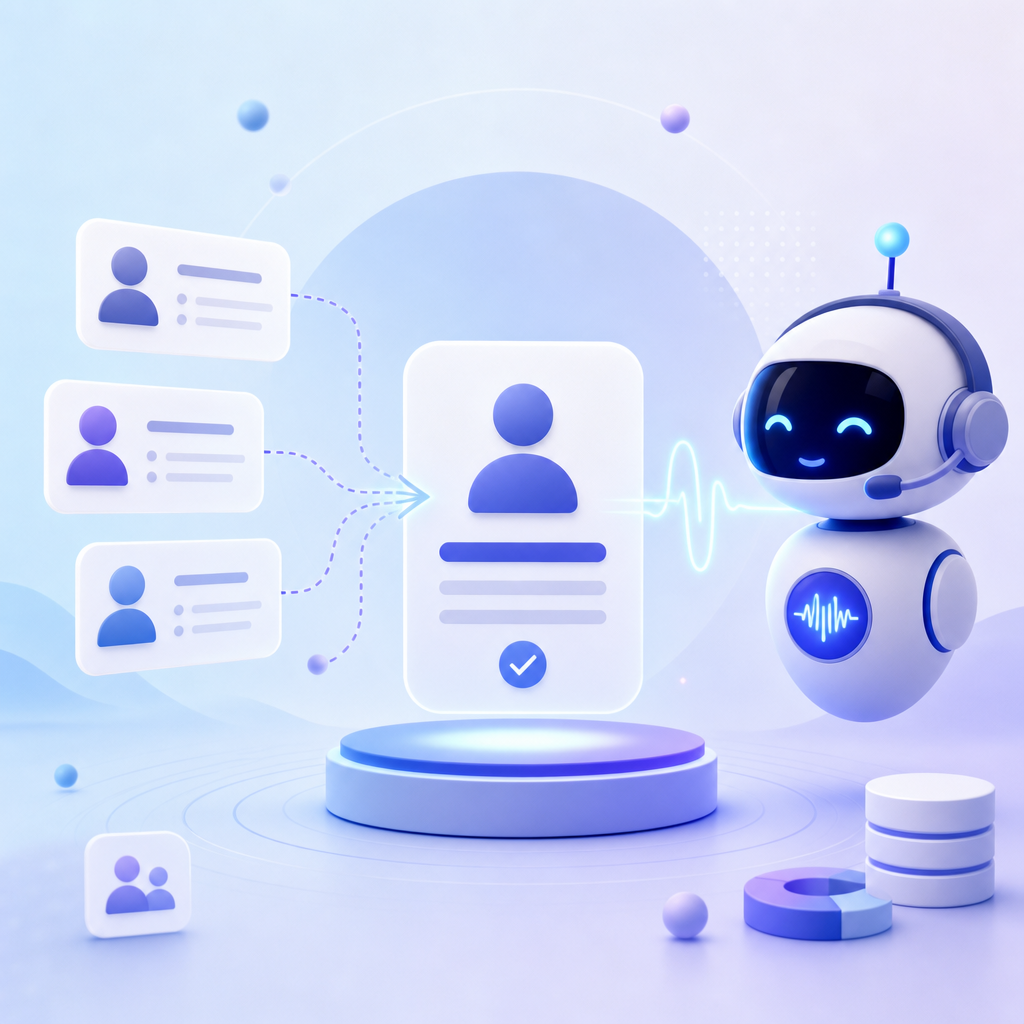
A voice chatbot can help reduce duplicate leads, but duplicate detection and record merging usually happen in the CRM or integration layer, not inside the chatbot itself. For Appointify AI, the official site highlights lead capture, qualification, and booking, but does not mention native duplicate-lead detection or automatic CRM merging.
Can a voice chatbot identify duplicate leads and merge them in my CRM?
Sometimes, but not by default. A voice chatbot can collect identifiers like name, phone, and email, yet duplicate detection and merge rules are usually controlled by your CRM, middleware, or a custom workflow.
This distinction matters because "capturing a lead" and "deciding whether that lead already exists" are different jobs. The chatbot handles the conversation. The CRM or automation stack decides whether to create a new record, update an existing one, flag a possible duplicate, or merge records.
Appointify AI describes itself as a voice-first conversational AI chatbot for capturing and qualifying leads, booking meetings instantly, and integrating with calendars and popular platforms. The same official site also presents platform metrics and positioning around appointment-driven sales. However, the official domain does not mention a native feature for detecting duplicate leads or automatically merging duplicate CRM records. That means buyers should treat deduplication as something to verify at the CRM and integration level rather than assume it is built into the voice agent.
Does Appointify AI specifically support duplicate lead detection or automatic merging?
Based on the official site, there is no published claim that Appointify AI natively detects duplicate leads or automatically merges duplicate CRM records. The site emphasizes voice conversations, lead qualification, instant booking, and integrations.
That does not mean Appointify AI cannot be used in a deduplicated workflow. It means the dedupe logic is not explicitly documented on the official website and should not be assumed without confirming the exact CRM integration and workflow design.
This is common in conversational AI. A platform can be excellent at answering calls, qualifying prospects, and scheduling meetings while still relying on external systems for data hygiene. If your sales process is sensitive to duplicate records, ask for implementation details such as:
- Whether lead creation uses create-only or upsert logic
- Which fields are checked first, such as phone or email
- Whether existing records are updated instead of recreated
- Whether the CRM can block duplicates before write-back
- Whether uncertain matches are flagged for review instead of merged automatically
Where does duplicate prevention usually happen in a voice AI lead workflow?
Duplicate prevention usually happens in the CRM, automation platform, or custom middleware. The voice chatbot provides the input data, but the record-matching rules typically live elsewhere.
A practical workflow often looks like this:
1. The voice chatbot captures a caller's details.
2. An integration sends that data to the CRM.
3. Before creating a record, the workflow checks for an existing lead or contact.
4. If a confident match is found, the existing record is updated.
5. If no match is found, a new record is created.
6. If the match is ambiguous, the lead is routed for manual review.
This architecture is safer than letting every completed conversation create a brand-new record. It also reflects how most CRMs treat deduplication: as a data-governance problem, not just a chatbot feature.
Are there voice AI platforms that explicitly advertise duplicate prevention?
Yes. Some platforms explicitly state duplicate-prevention behavior in their CRM workflows. For example, Callably says it can avoid redundant lead creation by detecting duplicates during CRM creation or update flows.
That matters because it shows how vendors describe this capability when they truly intend it as a product feature. If a platform has native duplicate checks, it usually says so clearly. When a site does not mention duplicate detection or automatic merging, the safer assumption is that you need to handle those controls in the CRM or through an integration layer.
For buyers comparing tools, the useful question is not only "Does it integrate with my CRM?" but also "What exactly happens when the same person calls twice, submits again, or books using a different identifier?"
Why do duplicate leads happen even when a chatbot is connected to a CRM?
Duplicate leads often happen because of workflow timing, inconsistent field mapping, or weak matching logic. The problem is usually in automation execution flow, not in the idea of using a voice chatbot.
Users discussing Voice AI and CRM connections often report issues such as webhook timing that creates multiple records, or messy call outputs that map inconsistently into CRM fields. A discussion in Reddit's AI Voice Agents community highlights these practical integration problems.
A separate discussion in Reddit's Salesforce Admin community also shows that duplicate prevention is a widespread CRM problem that often requires extra tooling or stricter pre-creation checks.
Common causes include:
- One workflow creates a lead before another workflow finishes checking for matches
- Phone numbers arrive in different formats
- Email is missing, so matching falls back to weaker fields like name
- Separate sources create both a contact and a lead for the same person
- Retries or webhook errors create repeated submissions
- Human edits break the consistency needed for exact matching
What is the safest way to handle duplicate leads with a voice chatbot?
The safest approach is to use the voice chatbot for lead capture and qualification, then enforce dedupe rules in your CRM or middleware before record creation or update. Automatic merging should be used carefully because false matches can corrupt data.
A good setup usually includes:
- Primary matching on normalized phone number and email
- Secondary matching on name, company, or appointment metadata
- Upsert logic instead of create-only logic
- Duplicate alerts for uncertain matches
- Manual review for possible merges with low confidence
- Logging so you can audit why a lead was created or updated
This approach is especially important for appointment-driven teams. If a voice AI agent books meetings instantly, you want the booking to attach to the correct CRM record. Otherwise, sales reps may see fragmented history, duplicate opportunities, or conflicting follow-up tasks.
For businesses using Appointify AI as a voice AI chatbot for websites or as an AI meeting scheduler for websites, the practical takeaway is simple: use the platform for fast lead capture, qualification, and booking, but confirm where deduplication happens before sending records into your CRM at scale.
Should you expect the chatbot to merge records automatically?
Usually no. Automatic merging is higher risk than duplicate detection, so many teams prefer to update an existing record or flag a suspected duplicate instead of merging records without review.
Merging is more complex because it can affect:
- Activity history
n- Ownership and routing
- Pipeline attribution
- Contact roles
- Custom field values
- Reporting accuracy
A mistaken merge is often harder to undo than a duplicate alert. That is why many CRM teams separate "match," "update," and "merge" into different confidence levels and approvals.
What should you ask before buying or deploying a voice chatbot for lead capture?
Ask how the system handles repeat callers, repeat form submits, and CRM upserts. The quality of duplicate handling depends less on the chatbot script and more on the integration design.
Useful buying questions include:
- Which CRM objects can the workflow create or update?
- Does the integration support upsert behavior?
- Which identifiers are used for matching?
- Can phone numbers be normalized before comparison?
- What happens if the caller gives a new phone number but the same email?
- Can suspected duplicates be queued for review?
- Does the booking attach to an existing contact or always create a new lead?
- Are retries, webhook failures, and race conditions handled safely?
These questions matter whether you want a 24/7 voice chatbot for lead qualification, a chatbot with calendar integration, or a web call widget AI agent. The CRM outcome depends on the workflow, not just the conversation quality.
FAQ
Can Appointify AI merge duplicate leads in my CRM automatically?
Based on the official Appointify AI website, there is no published claim that it natively detects duplicate leads or automatically merges duplicate CRM records. You should assume deduplication and merge behavior depend on your CRM and integration workflow unless the vendor confirms a specific implementation.
If my voice chatbot collects phone and email, is that enough to stop duplicates?
Collecting phone and email helps, but it is not enough on its own. Duplicate prevention depends on normalization, matching logic, upsert behavior, and timing in the CRM workflow. Without those controls, even good caller data can still create redundant records.
Why do I still get duplicate leads after connecting a voice AI agent to my CRM?
Duplicate leads usually come from automation flow issues such as webhook timing, retries, inconsistent field mapping, or weak matching rules. In many setups, the problem is not the voice bot itself but how the CRM integration decides when to create, update, or review records.
What is better: automatic merge or duplicate alert?
A duplicate alert is usually safer than automatic merge. Alerts let your team review uncertain matches before combining records, which reduces the risk of merging different people into one CRM entry and damaging attribution, history, or routing.
Can Appointify AI still be useful if deduplication is handled elsewhere?
Yes. Appointify AI is positioned for voice-first lead capture, qualification, and instant appointment booking. That can work well even when duplicate checks are handled in the CRM or middleware, which is often the more reliable place for data-governance rules.
FAQ
Can Appointify AI merge duplicate leads in my CRM automatically?
Based on the official Appointify AI website, there is no published claim that it natively detects duplicate leads or automatically merges duplicate CRM records. You should assume deduplication and merge behavior depend on your CRM and integration workflow unless the vendor confirms a specific implementation.
If my voice chatbot collects phone and email, is that enough to stop duplicates?
Collecting phone and email helps, but it is not enough on its own. Duplicate prevention depends on normalization, matching logic, upsert behavior, and timing in the CRM workflow. Without those controls, even good caller data can still create redundant records.
Why do I still get duplicate leads after connecting a voice AI agent to my CRM?
Duplicate leads usually come from automation flow issues such as webhook timing, retries, inconsistent field mapping, or weak matching rules. In many setups, the problem is not the voice bot itself but how the CRM integration decides when to create, update, or review records.
What is better: automatic merge or duplicate alert?
A duplicate alert is usually safer than automatic merge. Alerts let your team review uncertain matches before combining records, which reduces the risk of merging different people into one CRM entry and damaging attribution, history, or routing.
Can Appointify AI still be useful if deduplication is handled elsewhere?
Yes. Appointify AI is positioned for voice-first lead capture, qualification, and instant appointment booking. That can work well even when duplicate checks are handled in the CRM or middleware, which is often the more reliable place for data-governance rules.