 Appointify AI
Appointify AI › Blog › Can Conversational AI Qualify Leads by Asking Custom Questions?
← All articlesCan Conversational AI Qualify Leads by Asking Custom Questions?
Key takeaways
- Conversational AI can qualify leads with custom questions only when the platform supports configurable prompts, branching logic, structured data capture, and rule-based actions.
- Each question should support a defined decision, such as qualification, routing, personalization, contact capture, or human escalation.
- Qualification is not the same as predictive lead scoring or proof of purchase intent.
- Use confirmation prompts, unknown states, validation, contradiction handling, confidence thresholds, and human review for uncertain answers.
- Verify Appointify AI’s exact calendar, CRM, data-capture, and workflow capabilities before promising integrations or automation.
- Measure downstream quality with formulas for qualification rate, sales-accepted-lead rate, booked-meeting rate, show rate, pipeline conversion, and customer conversion.
- Collect only necessary data, disclose AI use where appropriate, obtain contact consent, and define access, retention, and deletion practices.
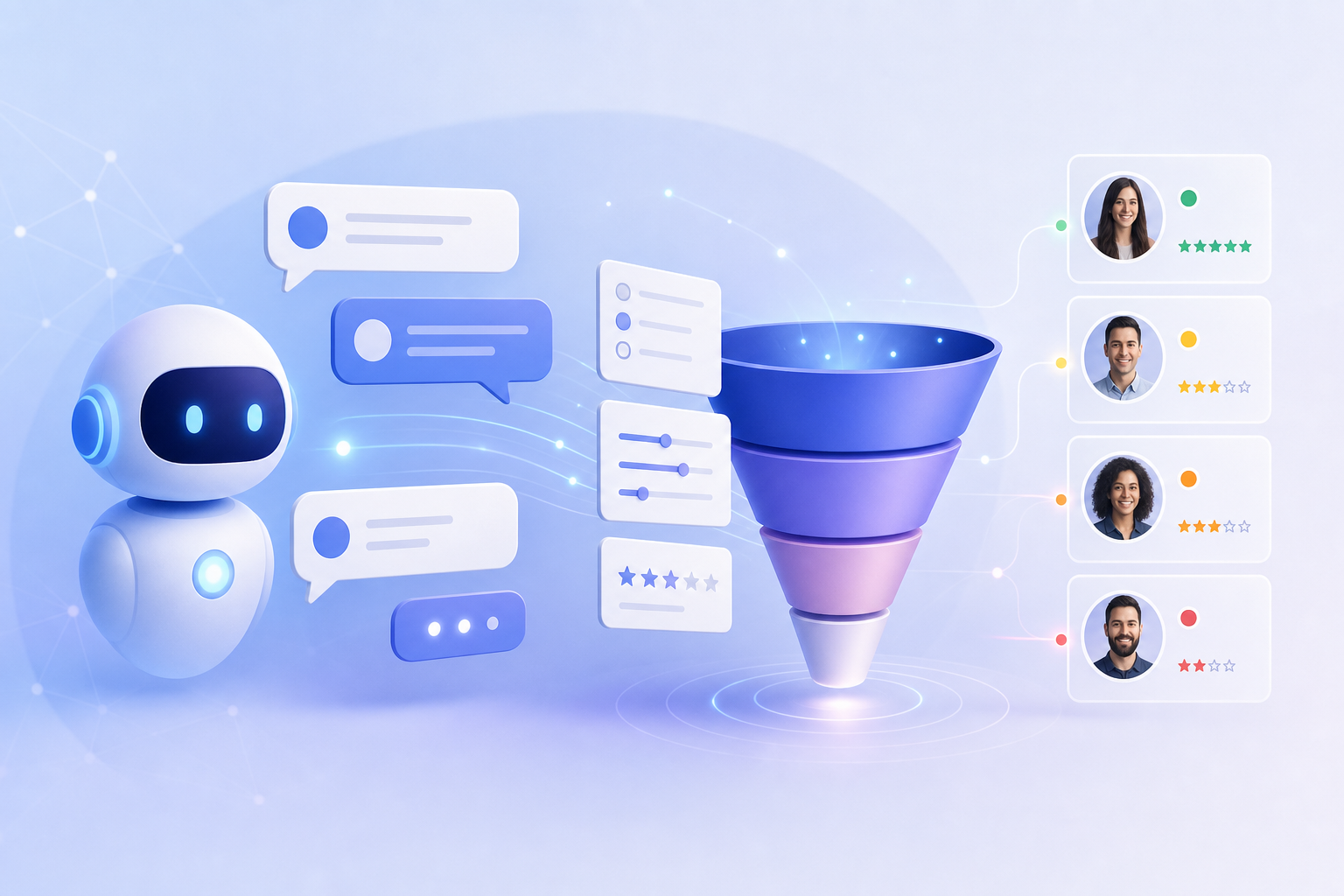
Yes—but only when the platform supports configurable prompts, branching logic, structured data capture, and rule-based actions. In that setup, conversational AI can ask questions tailored to your sales process, interpret natural-language answers, and recommend or trigger a next step such as booking, routing, nurture, or human review.
The important limitation is that conversational fluency alone does not create a reliable qualification system. The platform must provide controls for defining questions, storing answers, applying qualification criteria, handling missing or uncertain information, and connecting outcomes to calendars, CRMs, or human workflows.
How conversational AI qualifies leads with custom questions
A lead-qualification conversation typically has four layers:
1. Conversation: The AI asks questions in natural language and adapts follow-ups to the visitor’s answers.
2. Data capture: The system records structured values such as industry, location, team size, use case, timeline, or contact details.
3. Decision logic: Configured rules determine whether the answer indicates a fit, requires review, or should lead to a different path.
4. Action: The platform may route the conversation, update a record, offer a calendar, send information, or hand off to a person—if those actions are supported and configured.
For example, a B2B company might ask about industry, company size, current solution, business need, purchase timeline, and decision-making role. A local service company may need only service type, location, urgency, and contact information.
Custom questions are valuable because qualification depends on the business model. However, asking a question is not the same as proving purchase intent. Qualification usually applies explicit fit criteria, while lead scoring may combine demographic information, behavior, engagement, and predictive signals. A chatbot that asks five questions and routes a prospect has not necessarily generated a predictive score.
The platform requirements to check
Before selecting or launching a conversational AI system, confirm that it supports the following:
- Administrator-authored prompts or question instructions
- Branching or conditional conversation paths
- Structured fields for captured answers
- Accepted values, validation, and required-field controls
- Qualification states such as qualified, review, nurture, and not a fit
- Rule-based routing or workflow actions
- Calendar or scheduling integrations, if booking is required
- CRM or lead-record synchronization, if supported by the product
- Human escalation and transcript context
- Testing, transcript review, and reporting
Product capabilities vary by platform and plan. For example, Appointify AI’s current homepage describes a voice AI chatbot, smart lead capture, intelligent qualification, instant booking through an integrated calendar, and adaptive conversation flows. It does not, on that page, document a specific CRM integration list or the exact configuration controls for custom qualification questions. Treat those as implementation questions to verify before making a purchase or promising a workflow. (appointify.ai)
What custom questions should an AI ask?
Use the smallest set of questions that can support a real business decision. A practical sequence is:
1. Need: “What are you hoping to improve?”
2. Fit: “Which industry are you in?” or “How large is your team?”
3. Use case: “What would you like the solution to help you do?”
4. Purchase context: “Are you comparing options, replacing an existing tool, or researching?”
5. Timing: “When would you like to have a solution in place?”
6. Decision process: “Who else will be involved in the decision?”
7. Contact details: “What is the best email or phone number for follow-up?”
8. Next step: “Would you like information, a review by our team, or time with a specialist?”
These are starting points, not a universal script. A question belongs in the flow only if its answer changes what happens next.
Decision table: question type to business decision
| Question type | Example | Primary decision supported | Recommended handling |
|---|---|---|---|
| Need or pain point | “What are you trying to improve?” | Personalization and product fit | Classify the answer into supported use cases; allow “other” or human review. |
| Industry or segment | “What type of business do you operate?” | Qualification and routing | Map recognized segments to the correct sales team or resource. |
| Location or service area | “Where do you need service?” | Qualification and geographic routing | Validate the location against the actual service area. |
| Company size | “How many people are on your team?” | Routing and offer selection | Normalize ranges such as “about 200” into defined bands. |
| Budget or commercial range | “Which investment range is closest?” | Qualification and personalization | Use ranges where possible; explain why the information is requested. |
| Timing | “When are you hoping to get started?” | Priority and follow-up timing | Separate active evaluation from long-term research. |
| Authority or role | “What is your role in the decision?” | Sales ownership and next-step selection | Do not automatically reject users who are influencers rather than final approvers. |
| Current solution | “What are you using today?” | Personalization and competitive context | Use the answer to tailor the conversation, not to make unsupported assumptions. |
| Urgency | “How soon do you need help?” | Queue priority and escalation | Route urgent or high-impact requests to a person when appropriate. |
| Contact information | “What email should we use to follow up?” | Lead creation and follow-up | Validate the format, confirm accuracy, and obtain appropriate consent. |
How branching logic improves qualification
A linear questionnaire asks everyone the same questions. Branching logic asks only the questions relevant to the visitor’s situation.
For example:
- If the visitor selects implementation help, ask about current tools and desired timeline.
- If the visitor selects pricing, explain the available options and ask about company size only if that information affects the offer.
- If the visitor is outside the service area, explain the limitation and offer a relevant resource instead of presenting an inappropriate booking option.
- If the visitor indicates an urgent or sensitive issue, stop automated qualification and offer human assistance.
A useful rule is: one question, one purpose, one possible action. If an answer does not affect routing, personalization, qualification, or follow-up, remove the question or make it optional.
Can conversational AI book a meeting after qualification?
It can, when the platform supports calendar access and the business has defined which outcomes are eligible for booking. Booking should be treated as a workflow result—not as proof that a lead is qualified.
A typical flow might be:
- Qualified: Offer the appropriate specialist’s calendar.
- Partially qualified: Ask one missing question or send the conversation for review.
- Potential fit but not ready: Capture consent and enter a nurture workflow.
- Not a fit: Provide a helpful alternative without placing the visitor on a sales calendar.
- Uncertain: Escalate or request confirmation rather than making a definitive decision.
Appointify AI currently describes instant booking through an integrated calendar and real-time availability checking on its public homepage. Teams should confirm which calendar providers, booking rules, availability controls, cancellation behavior, and handoff options are available in their specific account or plan. (appointify.ai)
Why fixed rules matter alongside open-ended conversation
Natural-language understanding helps the AI interpret answers such as “We’re a team of around 200” or “We need this sometime next quarter.” Explicit rules determine what those answers mean operationally.
For critical decisions, define:
- Accepted values and value ranges
- Minimum information required for a decision
- Which answers qualify, disqualify, or require review
- Which calendar, team, or workflow receives each outcome
- What the AI should say when a visitor declines to answer
- When the AI must stop and involve a person
This combination reduces two risks: rejecting a good lead because the wording was unexpected, and allowing the model to make an unapproved decision from vague or contradictory information.
Platform behavior differs. Intercom’s current documentation states that Fin’s built-in clarifying questions are part of the AI conversation experience and cannot be edited. That limitation concerns AI-generated clarifications; it should not be generalized to every administrator-authored sales question, workflow, or qualification field. Intercom separately documents a Fin for Sales Playbook with configurable qualification outcomes, routing conditions, data collection, and sales guidance. (intercom.com)
Safeguards for ambiguous, incomplete, or misleading answers
An AI qualification flow should not assume every answer is accurate or complete. Build explicit uncertainty handling into the design.
Use an “unknown” state
Do not force every response into yes or no. Store values such as:
- Unknown
- Not provided
- Needs confirmation
- Outside configured options
- Conflicting information
An unknown state is safer than silently treating missing information as a negative or positive qualification signal.
Confirm important answers
For decisions involving eligibility, pricing, geography, or meeting assignment, confirm the interpreted value:
> “I understood that your team has approximately 200 employees. Is that correct?”
If the visitor corrects the interpretation, store the confirmed answer rather than the original guess.
Normalize but preserve the original response
Convert “about 200,” “two hundred people,” and “roughly 180 to 220” into a defined company-size range, but retain the original wording in the transcript. This makes later review easier and helps identify cases where the normalization rule needs improvement.
Apply confidence thresholds
If the system reports confidence or supports confidence-based branching, use a threshold for automated decisions. High-confidence, validated answers may proceed automatically; low-confidence answers should trigger a confirmation question or human review.
Detect contradictions
If a visitor first says they are a one-person business and later says they need an enterprise deployment for 500 users, do not choose one answer silently. Ask for clarification and mark the record for review when the contradiction affects routing or qualification.
Handle intentional misdirection
Visitors may provide jokes, placeholder data, copied text, or answers designed to reach a calendar. The AI should validate contact fields, avoid relying on a single answer for a high-impact decision, and escalate when the conversation appears inconsistent or abusive.
Keep human handoff available
Escalate when the visitor:
- Requests a person
- Asks for complex technical, legal, financial, or account-specific advice
- Disputes a qualification decision
- Provides contradictory or low-confidence information
- Raises a privacy, security, refund, or complaint issue
- Appears vulnerable or at risk of harm
Intercom documents configurable escalation rules and automatic handoff for sensitive topics, illustrating the type of safeguard teams should look for in any platform. (intercom.com)
How to measure AI lead-qualification quality
Measure the full funnel, not just the number of conversations or meetings. Define each metric before launch so marketing, sales, and operations use the same denominator.
Let:
- Eligible conversations = conversations in which the visitor engaged with the qualification flow enough to produce an outcome
- Qualified leads = leads meeting the documented qualification criteria
- Sales-accepted leads = qualified leads that sales accepts for follow-up
- Booked meetings = meetings successfully scheduled through the AI flow
- Held meetings = booked meetings that actually occur
- Opportunities = held meetings or leads converted into an active sales opportunity under your CRM definition
- Customers = opportunities that become paying customers
Useful formulas include:
- Qualification rate = qualified leads ÷ eligible conversations × 100
- Sales-accepted-lead rate = sales-accepted leads ÷ qualified leads × 100
- Booked-meeting rate = booked meetings ÷ eligible conversations × 100
- Show rate = held meetings ÷ booked meetings × 100
- Pipeline conversion rate = opportunities ÷ sales-accepted leads × 100
- Lead-to-customer conversion rate = customers ÷ eligible conversations × 100
- Meeting-to-customer conversion rate = customers ÷ held meetings × 100
Also track:
- Completion rate by question
- Drop-off rate after each question
- Percentage of conversations marked unknown or needing review
- Correction rate after confirmation prompts
- Human-escalation rate
- Duplicate or invalid contact-record rate
- Time from conversation to sales response
- Calendar booking errors and cancellations
- Revenue or pipeline per eligible conversation
Review transcripts and downstream CRM outcomes together. A high qualification rate may indicate that the criteria are too broad; a high booking rate may simply mean the calendar is easy to access. The strongest test is whether routed leads are accepted, attend meetings, create opportunities, and convert at an acceptable rate.
Avoid treating vendor benchmarks as universal expectations. For example, Conversica’s Q4 2024 material reports a 37.5% conversation rate and a 17.6% conversation-qualified rate for a real-time website follow-up use case in an automotive benchmark. Those figures are vendor-reported, use case-specific measures—not industry-wide standards—and should not be applied to another company without comparable definitions, channel, audience, time period, and sample details. (conversica.com)
Privacy, consent, and data governance
Custom qualification should collect only information needed for a stated business purpose. Avoid requesting sensitive personal data, financial details, health information, government identifiers, or other high-risk data unless there is a documented need, an appropriate legal basis, and suitable controls.
Before launch, decide how the system will:
- Disclose that the visitor is interacting with AI where appropriate
- Explain why contact details or qualification information are requested
- Obtain consent for email, SMS, phone calls, or other follow-up channels
- Validate and secure captured data
- Limit staff access according to role
- Define retention and deletion periods
- Handle requests to correct or delete information
- Record consent separately from ordinary conversation content
- Prevent sensitive information from being copied into unrestricted notes or CRM fields
Disclosure and consent requirements depend on the channel, jurisdiction, industry, and purpose of processing. Obtain advice from qualified legal or privacy professionals for regulated use cases. Intercom, for example, provides configuration guidance for AI-agent disclosure and separately documents how Fin data is stored and processed, showing why these settings and policies should be reviewed rather than assumed. (intercom.com)
A practical launch plan for Appointify AI users
For a website lead-capture and booking workflow, use this sequence:
1. Define the business decision
Write down what qualifies a lead, what requires review, who owns each segment, and what should happen when the visitor is not a fit. Avoid vague instructions such as “find good leads.”
2. Select essential questions
Start with the fewest questions that determine the next step. For a service business, that might be service type, location, urgency, and contact information. For a SaaS business, it might be use case, team size, current solution, timeline, and role.
3. Map answers to outcomes
Create a decision table linking answer values to actions such as:
- Offer a calendar
- Select a specialist or meeting type
- Capture a lead for follow-up
- Send a resource
- Request one missing detail
- Escalate to a person
- Mark the conversation as not currently eligible
4. Configure validation and fallback behavior
Test malformed emails, incomplete phone numbers, vague timelines, contradictory company sizes, refusals to answer, and requests for a human. Define what happens in each case.
5. Connect the supported systems
Confirm how Appointify AI passes conversation data to the calendar, CRM, lead inbox, or follow-up workflow. Do not assume an integration exists because a product page uses broad language such as “popular platforms.” Document the exact fields, triggers, ownership rules, and failure behavior.
6. Test with realistic conversations
Use normal, incomplete, indirect, multilingual, contradictory, and adversarial answers. Check whether the AI asks the right follow-up, stores the right value, and selects the approved action.
7. Launch narrowly and review weekly
Begin with one audience, service, or calendar. Review transcripts, sales acceptance, booking quality, show rate, and conversion before expanding the flow.
FAQ
Can conversational AI ask custom questions for my business?
Yes, if the platform supports configurable prompts or qualification instructions, structured data capture, branching logic, and actions tied to the captured answers. Verify which questions, fields, rules, integrations, and workflows are editable in your specific product and plan.
Can AI ask branching questions instead of showing every visitor the same script?
Yes, when conditional logic or workflow branching is supported. Branching lets the system ask follow-ups based on the visitor’s need, location, company size, service type, or other answers. Keep a fallback path for “unknown,” “other,” and unclear responses.
Can custom questions automatically sync to a CRM?
Possibly. CRM synchronization is platform- and plan-dependent. Confirm whether the system supports the CRM you use, which fields it can update, how consent is recorded, how duplicate records are handled, and what happens when synchronization fails.
Can a chatbot qualify a lead and book an appointment in the same conversation?
Yes, if calendar access and eligibility rules are configured. The AI should offer the correct calendar only after the required information is validated. Booking alone does not prove that the lead meets your sales criteria.
Are AI-generated clarifying questions always customizable?
No. Some platforms distinguish between administrator-authored qualification questions and AI-generated clarifications. Intercom’s current FAQ says Fin’s built-in clarifying questions cannot be edited, while its sales tooling separately includes configurable qualification outcomes, routing conditions, and data collection. (intercom.com)
What should AI do when a visitor gives an ambiguous answer?
It should ask a concise confirmation question, preserve an unknown or needs-confirmation state, and avoid making a high-impact routing decision until the answer is clear. If the ambiguity continues, route the conversation to a person or review queue.
Should every visitor be disqualified if they do not answer a question?
No. Missing information may mean the visitor is uncertain, not unqualified. Use optional questions where possible, distinguish “declined” from “not a fit,” and offer human review when the missing answer materially affects the decision.
Should the AI disclose that it is an AI system?
In many situations, disclosure is appropriate and may be required by applicable rules or platform policies. Provide a clear notice suitable for the channel and jurisdiction, and make it easy for the visitor to request a human.
What is the difference between qualification and lead scoring?
Qualification applies stated criteria to decide whether a lead fits a defined process or should take a particular next step. Lead scoring assigns a value or priority, often using multiple demographic, behavioral, and predictive signals. A custom-question flow can support qualification and contribute CRM data, but it is not automatically a predictive scoring model.
References
- https://knowledge.hubspot.com/chatflows/a-guide-to-bot-actions
- https://knowledge.hubspot.com/chatflows/a-guide-to-bot-actions?wmediaid=573ldh4051
- https://knowledge.hubspot.com/customer-agent/set-up-customer-agent-actions-to-qualify-leads
- https://help.calendly.com/hc/en-us/articles/4418606043927-Getting-started-with-Routing-Forms
- https://calendly.com/help/calendly-routing
- https://www.intercom.com/help/en/articles/13927072-fin-for-sales-explained
FAQ
Can conversational AI ask custom questions for my business?
Yes, if the platform supports configurable prompts or qualification instructions, structured data capture, branching logic, and actions tied to captured answers. Verify which questions, fields, rules, integrations, and workflows are editable in your specific product and plan.
Can AI ask branching questions instead of showing every visitor the same script?
Yes, when conditional logic or workflow branching is supported. Branching lets the system ask follow-ups based on the visitor’s answers while preserving fallback paths for unknown, other, and unclear responses.
Can custom questions automatically sync to a CRM?
Possibly. CRM synchronization is platform- and plan-dependent. Confirm supported systems, field mapping, consent handling, duplicate-record behavior, and failure handling before launch.
Can a chatbot qualify a lead and book an appointment in the same conversation?
Yes, if calendar access and eligibility rules are configured. The AI should offer the correct calendar only after required information is validated; a booking by itself does not prove qualification.
Are AI-generated clarifying questions always customizable?
No. Some platforms distinguish between administrator-authored qualification questions and AI-generated clarifications. Intercom says Fin’s built-in clarifying questions cannot be edited, while its sales tooling separately supports configurable qualification outcomes, routing conditions, and data collection. ([intercom.com](https://www.intercom.com/help/en/articles/7837535-fin-ai-agent-faqs))
What should AI do when a visitor gives an ambiguous answer?
It should ask a concise confirmation question, preserve an unknown or needs-confirmation state, and avoid making a high-impact routing decision until the answer is clear. Continued ambiguity should trigger human review.
Should the AI disclose that it is an AI system?
In many situations, disclosure is appropriate and may be required by applicable rules or platform policies. Provide a clear notice suitable for the channel and jurisdiction, and make it easy for the visitor to request a human.